

Great service! Incredibly quick delivery. Even when it went over the 48hour delivery time I contacted them and they organised a private driver to deliver to my new address before leaving the country. Really happy with the product also.
This Product is Eligible for an Extra 5% Off at Checkout


or 4 x S$87.25 with
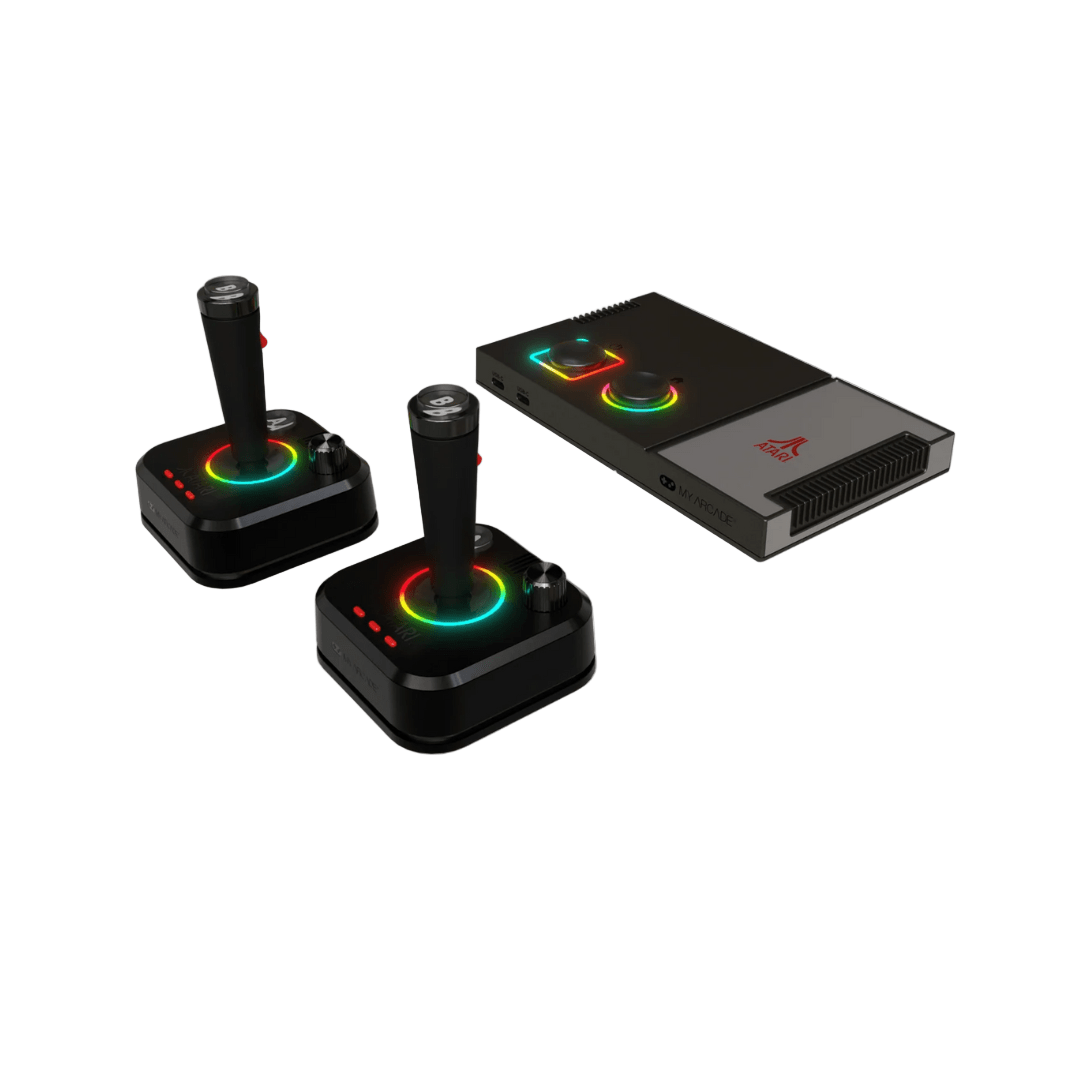
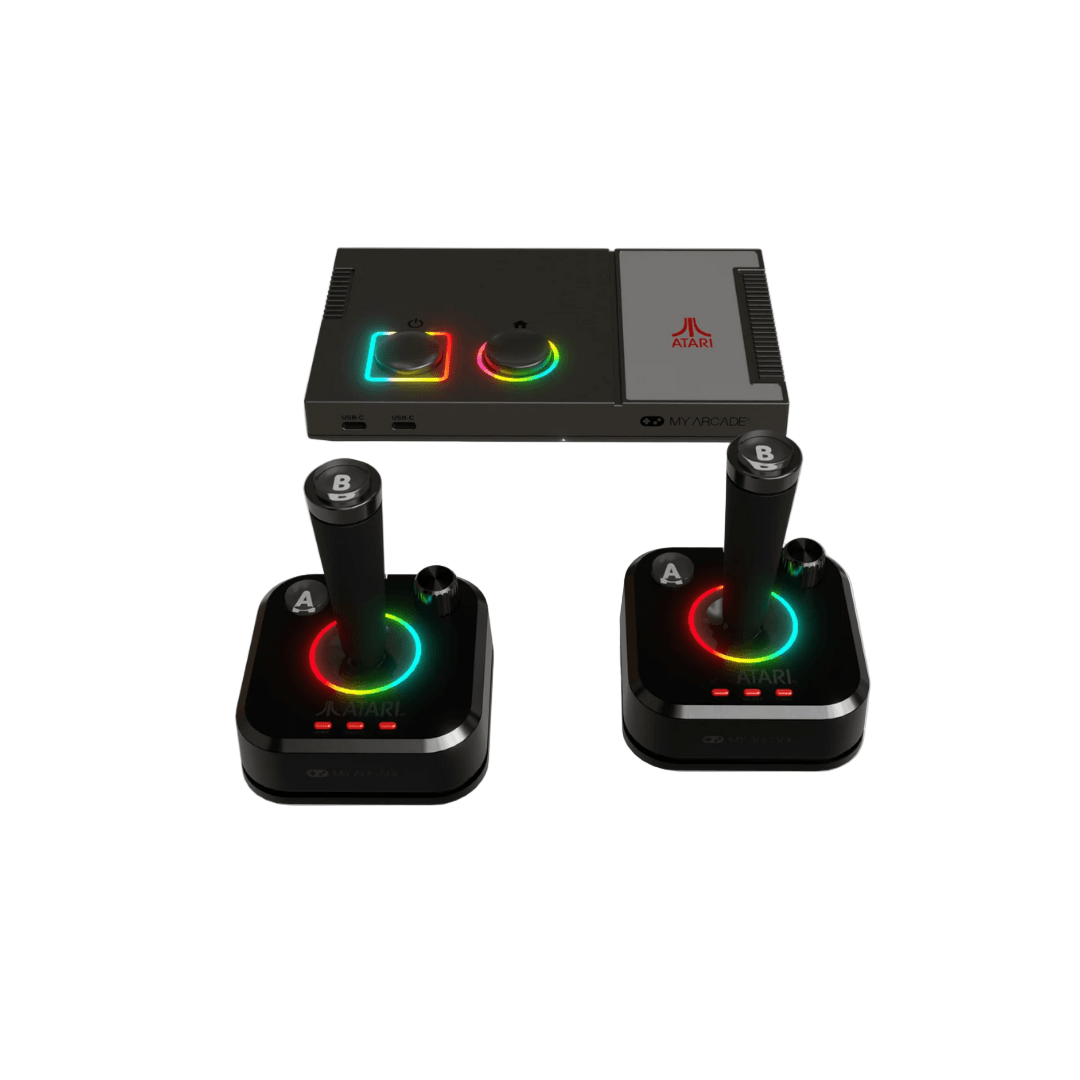
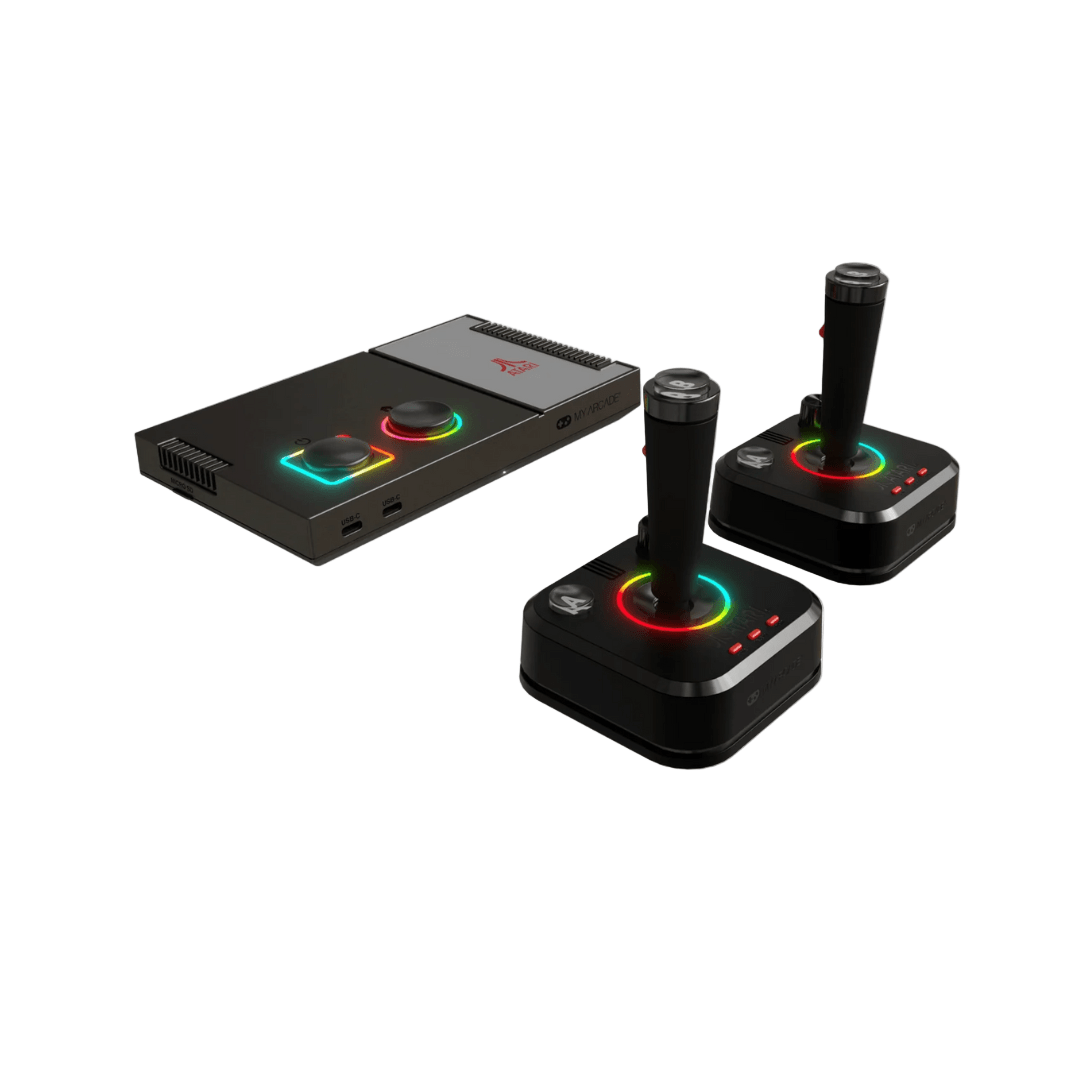
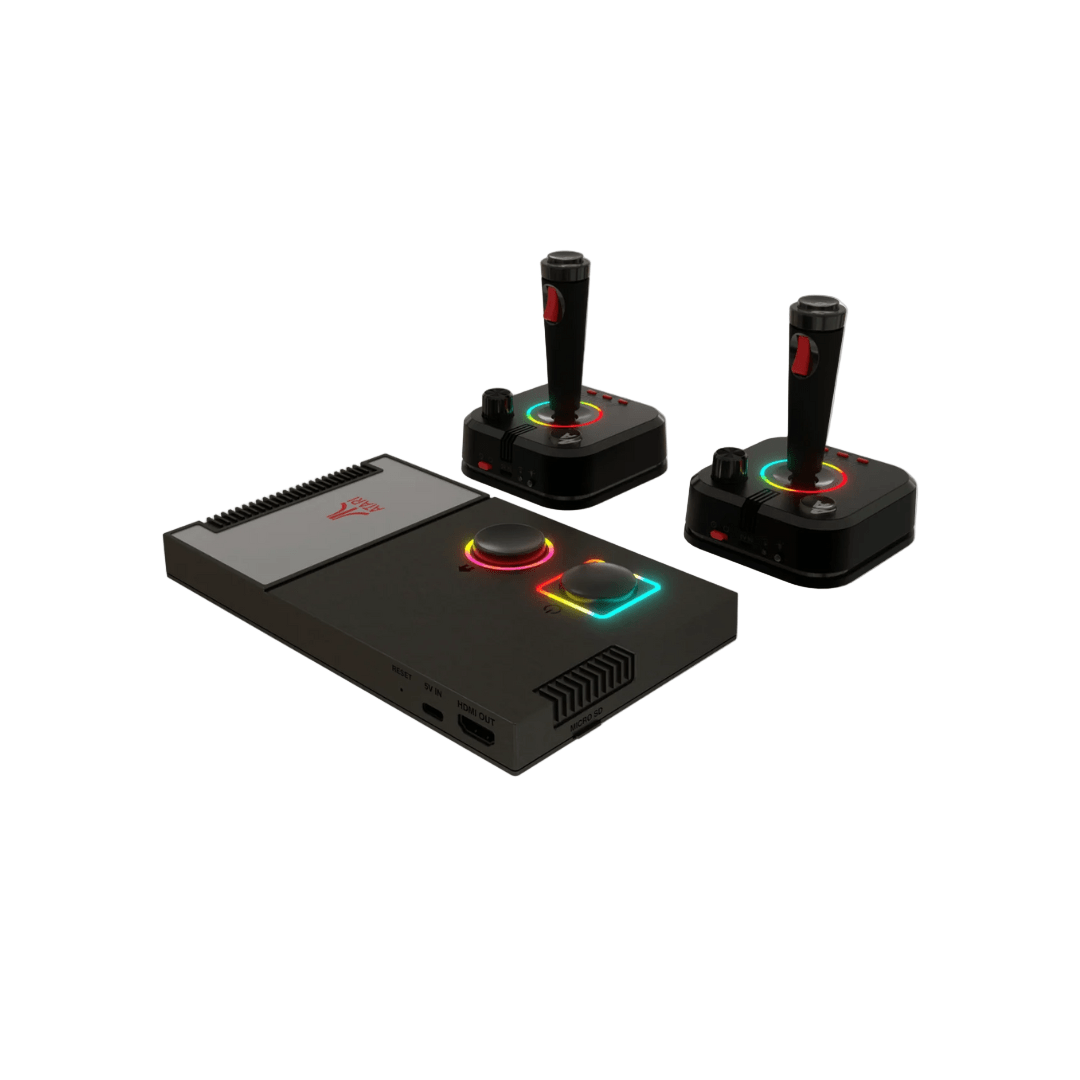
Atari® is a pioneer in the video game industry, responsible for some of the most iconic games of all time, including PONG®, Breakout®, and Asteroids®. Atari was founded in 1972 and, with a rich history that spans over 50 years, is one of the oldest video game companies in the world. With its focus on innovative gameplay and cutting-edge technology, Atari has always been at the forefront of the gaming industry. The Gamestation Pro has over 200 games, including Atari 2600, Atari 5200, Atari 7800, Atari arcade and bonus games.
Continue Reading
Collapse

Delivery & Returns

Official Warranty

Secure Payment


• Make sure your console is connected via the included HDMI cable.
• Make sure your television is on the proper input (HDMI 1, HDMI 2, etc.).
• Make sure your console is connected to a 5V, 2A USB-A port.
• Make sure the LEDs around the power and home buttons on the console are illuminated.
• Restart the console.
• Make sure you are using new alkaline batteries. Replace batteries for another set even if the batteries are new to rule out a defective battery.• Turn off the joystick for 10 seconds, turn back on.• Make sure the LED on the back of the joystick is a solid white color. If blinking, the joystick is trying to connect to the console.• Restart the console.
• Make sure your console is connected to a 5V, 2A USB-A port.
• Check the picture settings on your television and turn on or select Game mode.
• Turn off the console for 10 seconds, turn it back on.
• Make sure you are using new alkaline batteries in the joysticks.
• Turn off the joystick for 10 seconds, turn it back on.
Pressing the MENU button while in-game brings up paddle sensitivity settings under Game Controls.
NOTE: Not all games support paddle sensitivity options.
For single player, insert coins by pressing the SELECT button on the joystick. Press START to begin the game.
For multiplayer, insert coins by pressing the SELECT button on the joystick multiple times. Press the START button on both joysticks simultaneously to begin the game.
The game information screen provides an overview of the CONTROLS for each game.
Manuals for some of the Atari games can be found at www.atariage.com.
Pressing the MENU button while in-game brings up the Save Menu for saving/loading games.
NOTE: Not all games have save/load options.

Great service! Incredibly quick delivery. Even when it went over the 48hour delivery time I contacted them and they organised a private driver to deliver to my new address before leaving the country. Really happy with the product also.
I bought my item online from Metapod Singapore and had several questions. Thankfully, Joel was there to assist me. His service and attitude were outstanding, and I received my item exactly as expected. A big thank you to Joel and Metapod Singapore.
Ordered Sony WH1000XM5 silver for same day delivery, black color was delivered instead. Manage to contact METAPOD and they immediately get someone to exchange the color to silver on the same day! Within a few hours after I contacted them. Really very impressed with their excellent customer service and fast respond time! Will definitely buy from METAPOD again!!
Excellent service. Fast response. They have been so accommodating in the requests I have made. Will definitely shop again here. Highly recommended when in T3.
Bought a Sony headset in Jan - really efficient next day service well packaged and instructions followed as I was a tourist on a short stay