

Great service! Incredibly quick delivery. Even when it went over the 48hour delivery time I contacted them and they organised a private driver to deliver to my new address before leaving the country. Really happy with the product also.
Add to cart for extra 5% off | Use 38NOV for $38 off $760 | Get extra up to $25 off with PayLater by Grab!






or 4 x S$287.25 with
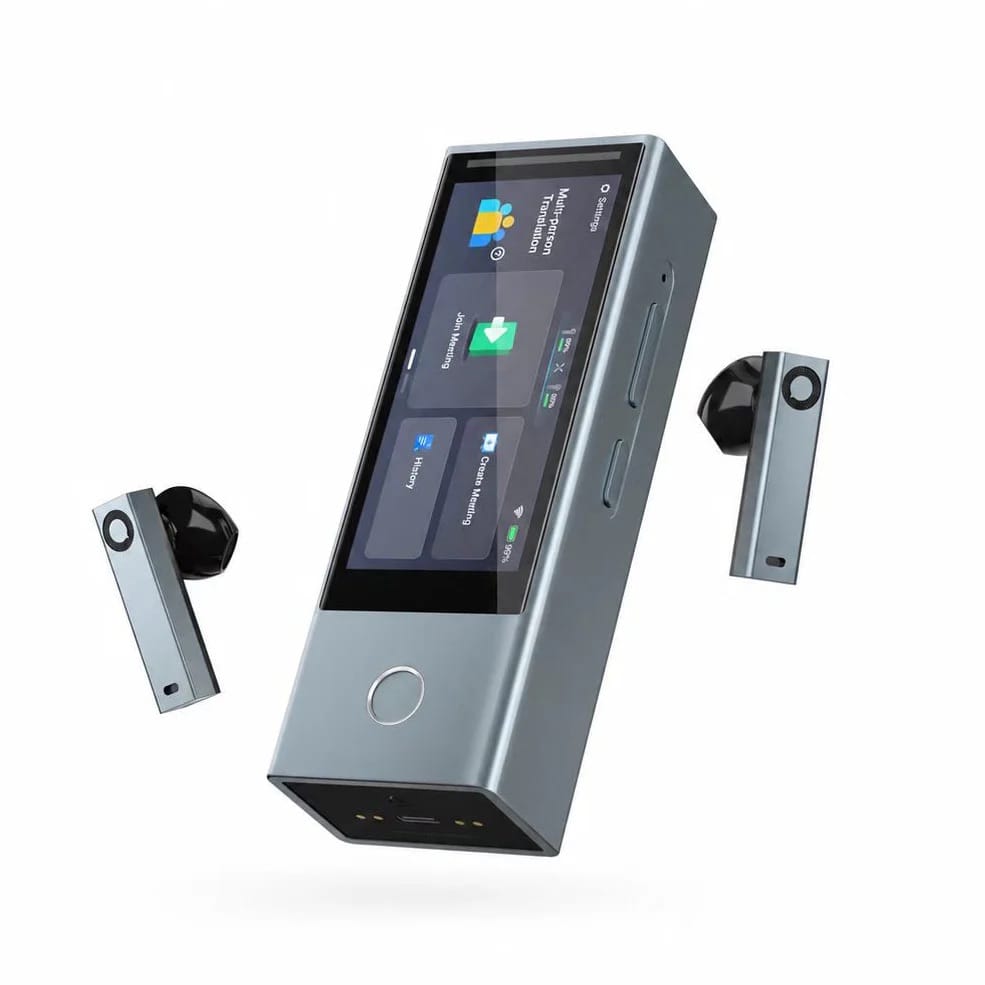
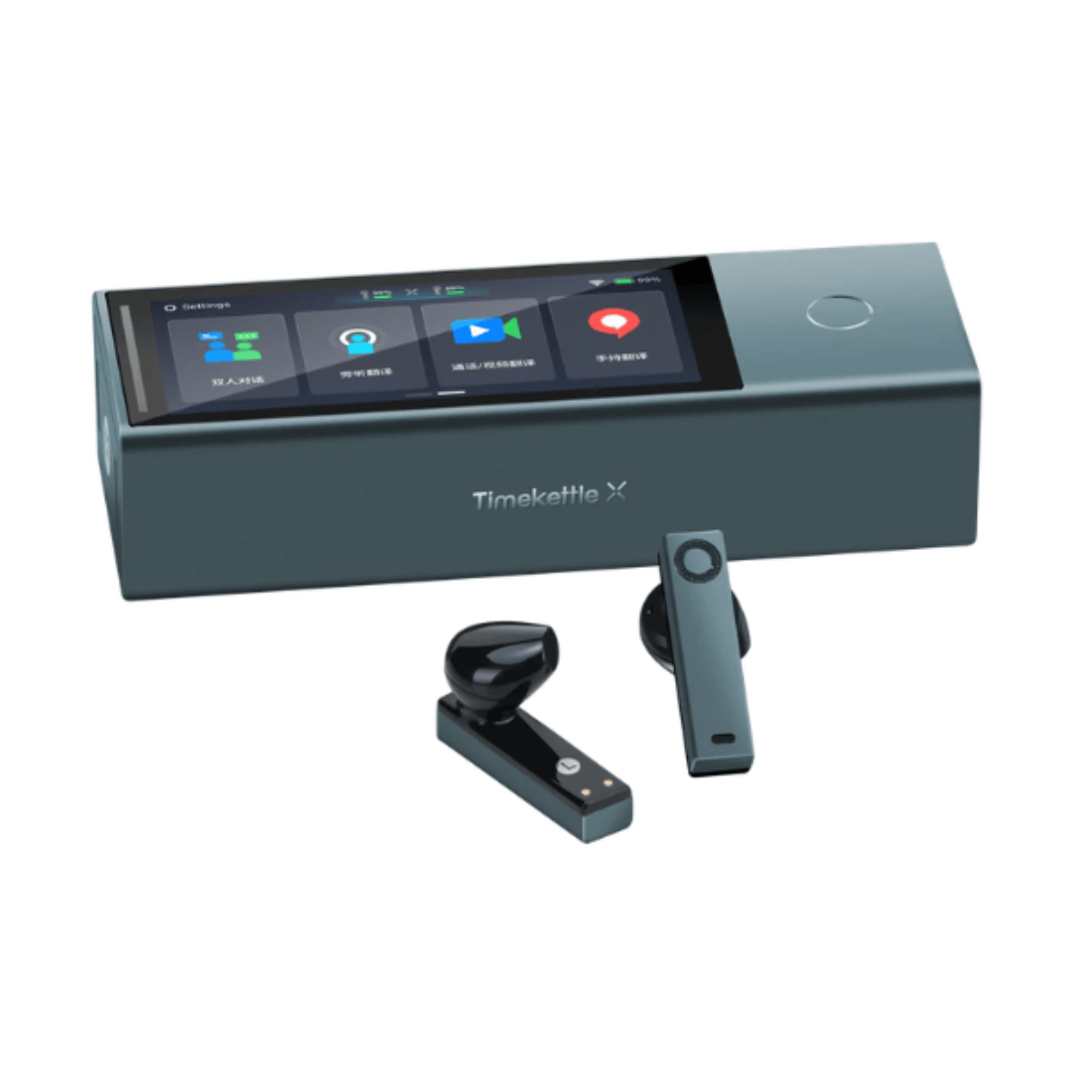
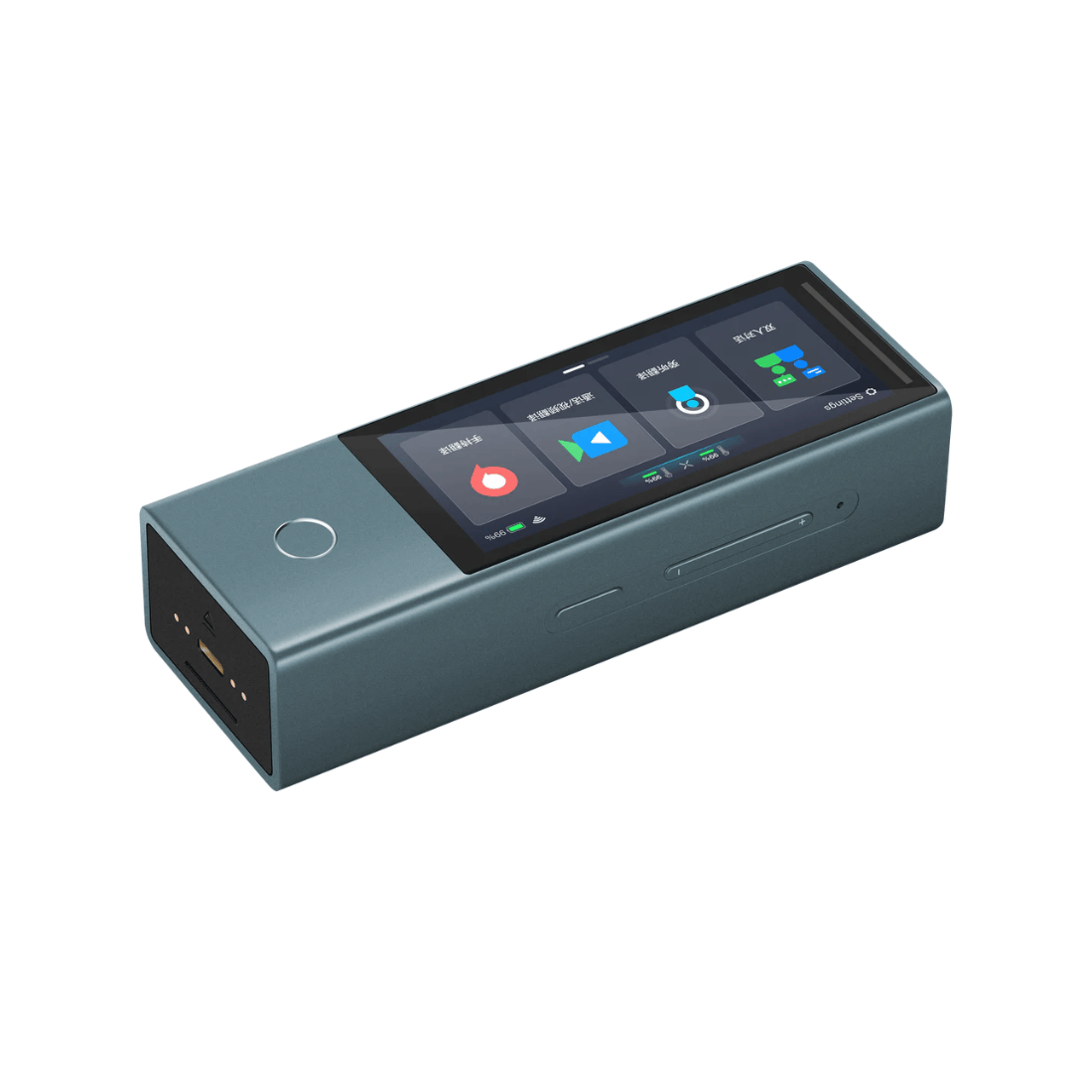
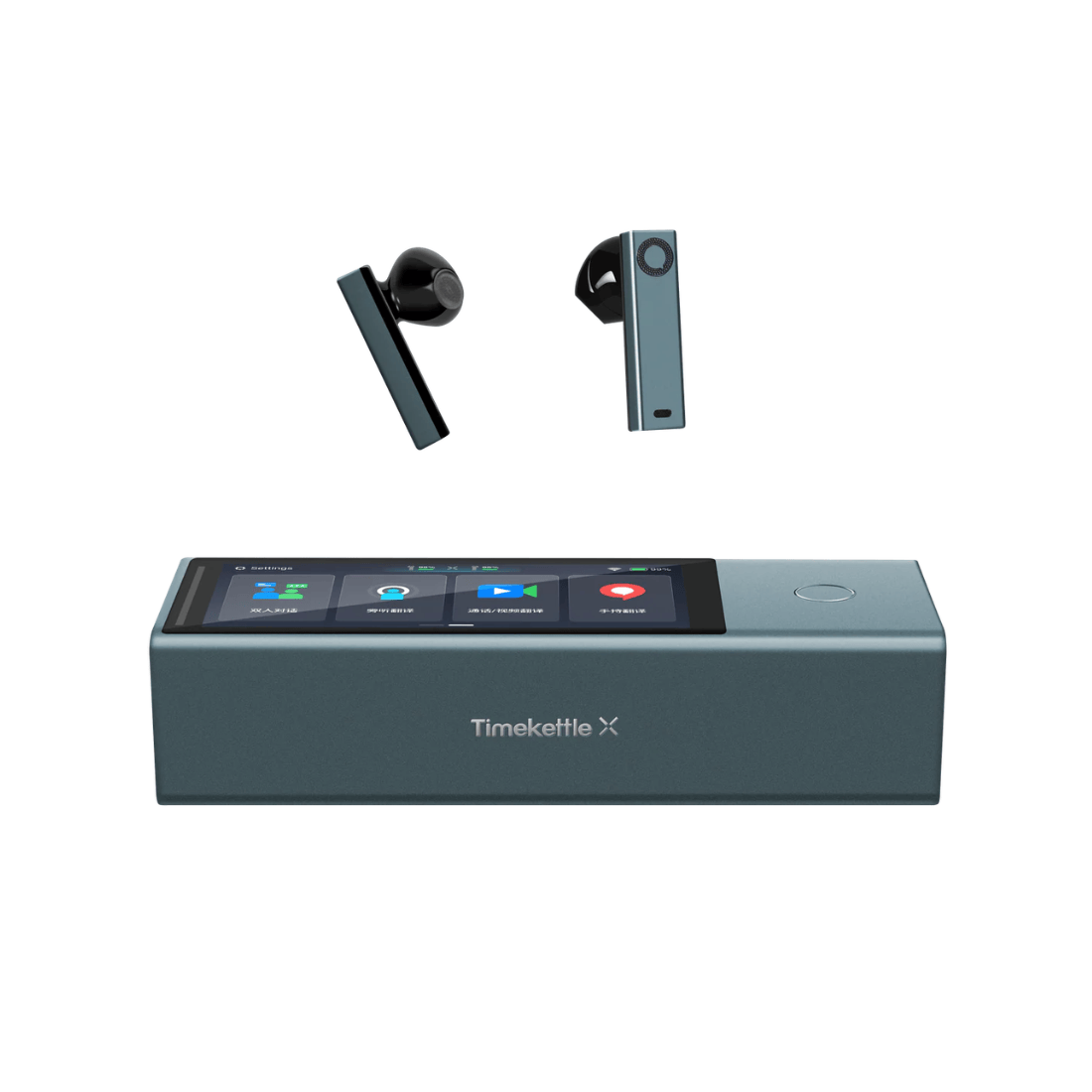
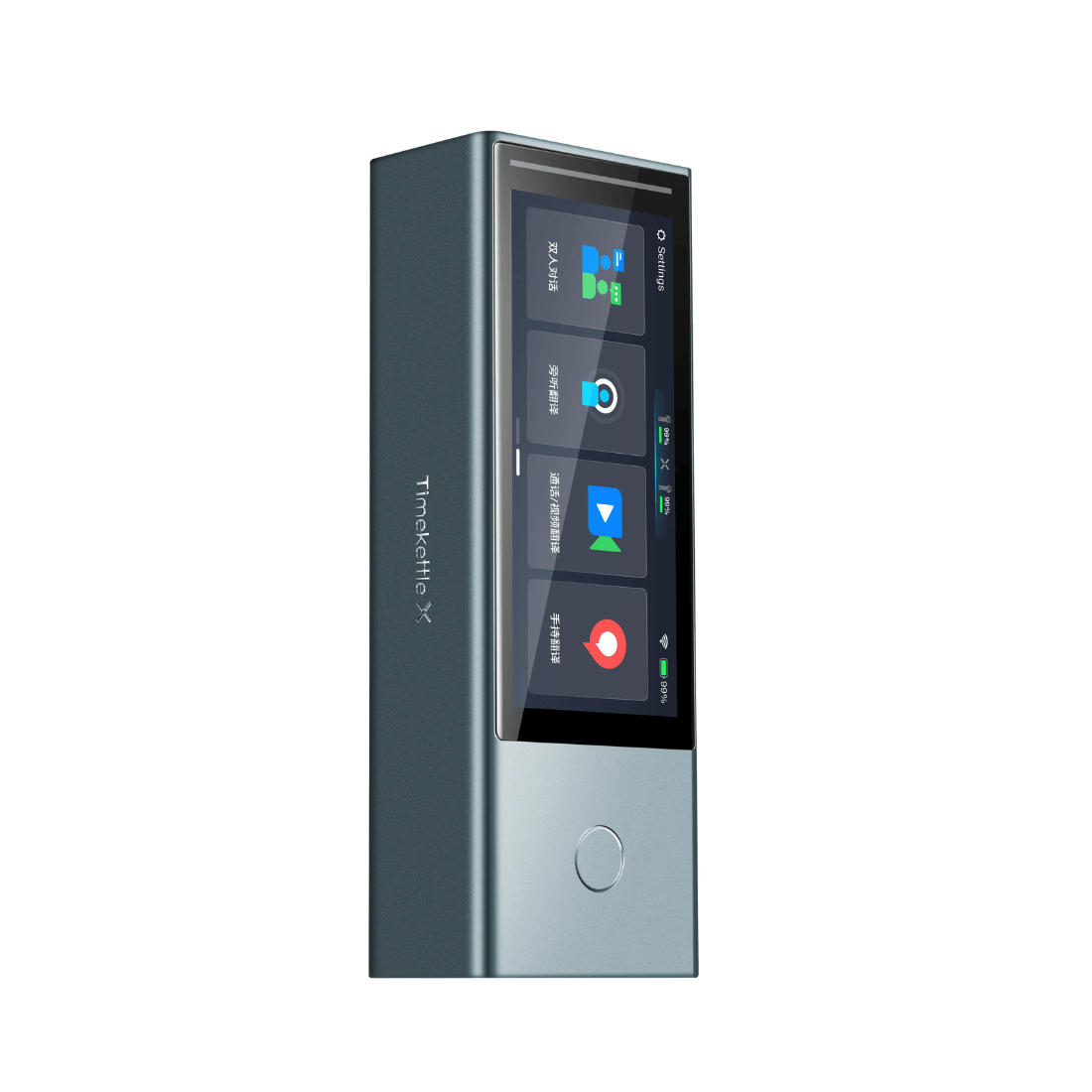
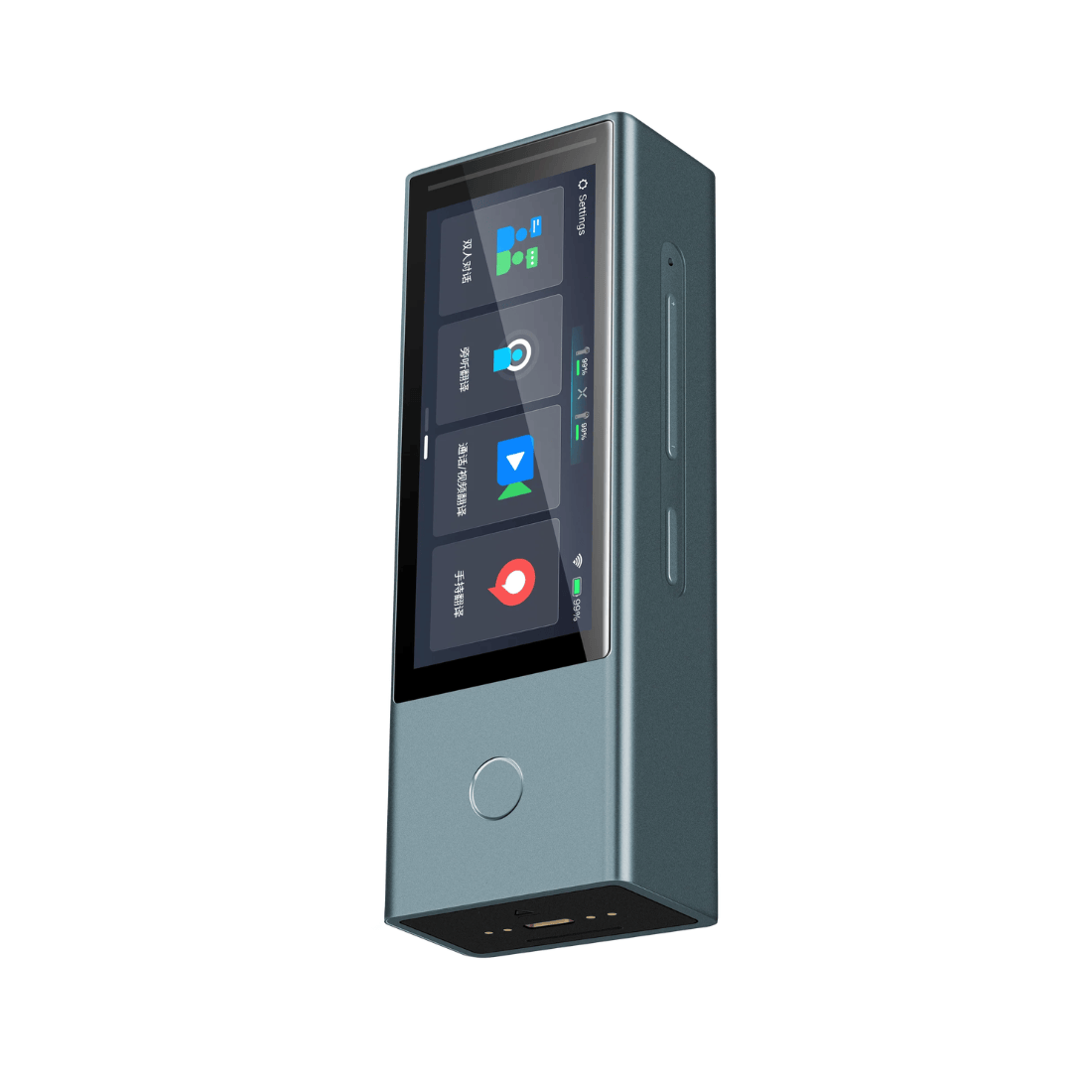
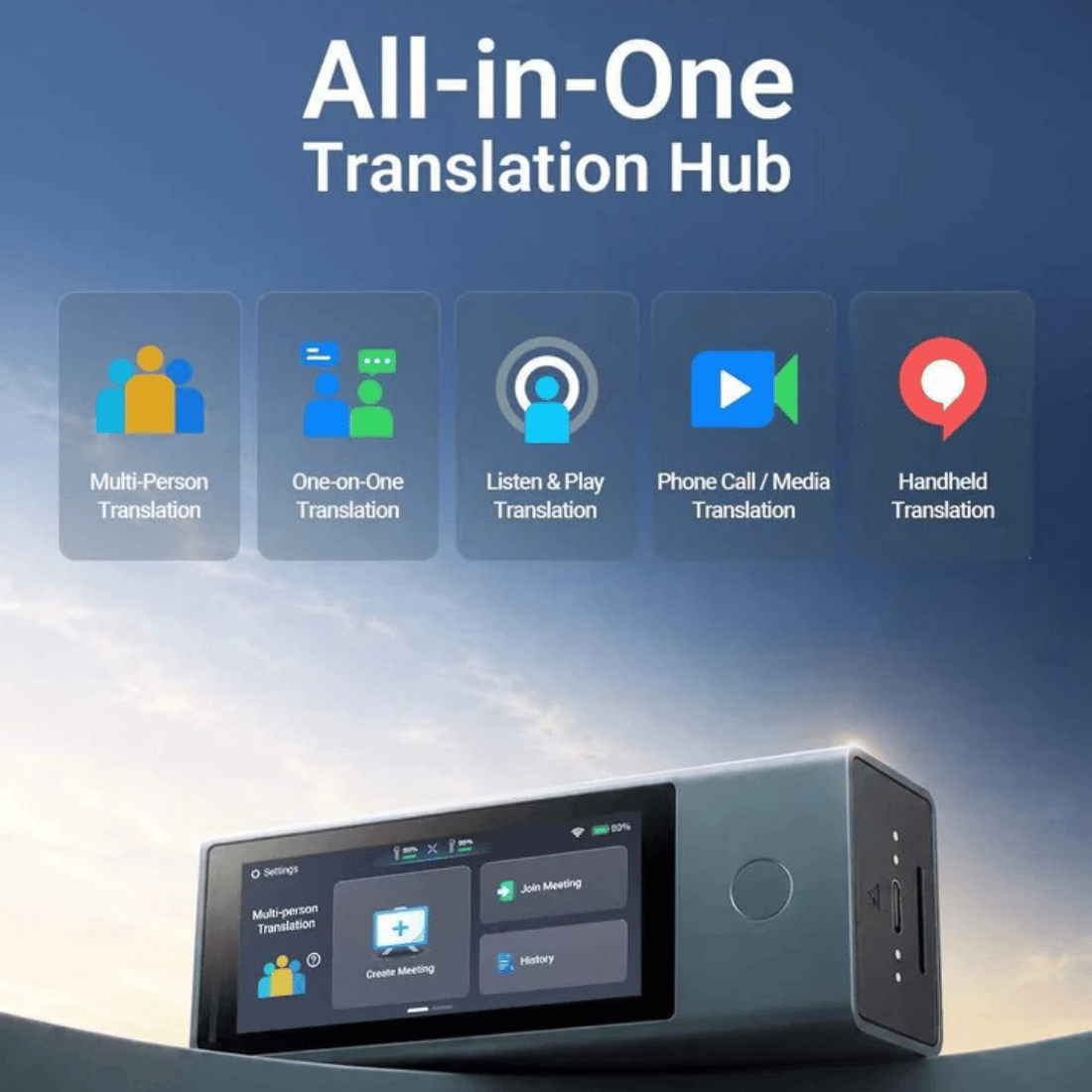
The X1 Meeting Interpreter Hub is a flagship simultaneous interpretation solution for global business teams and cross-border meetings. Real‑time 5‑language translation for up to 10 speakers. No app, no IT setup – join via QR code from any device. Live subtitles for all‑hands and large events. From one‑on‑one negotiations and cross‑border phone calls to Zoom meetings, listen‑only conferences, and handheld instant translation – one device, all scenarios.
Continue Reading
Collapse

Delivery & Returns

Official Warranty

Secure Payment


The X1 Meeting Interpreter Hub is a flagship simultaneous interpretation solution for global business teams and cross-border meetings.

Multi-language discussion meeting
One device per person - listen and speak in your native language
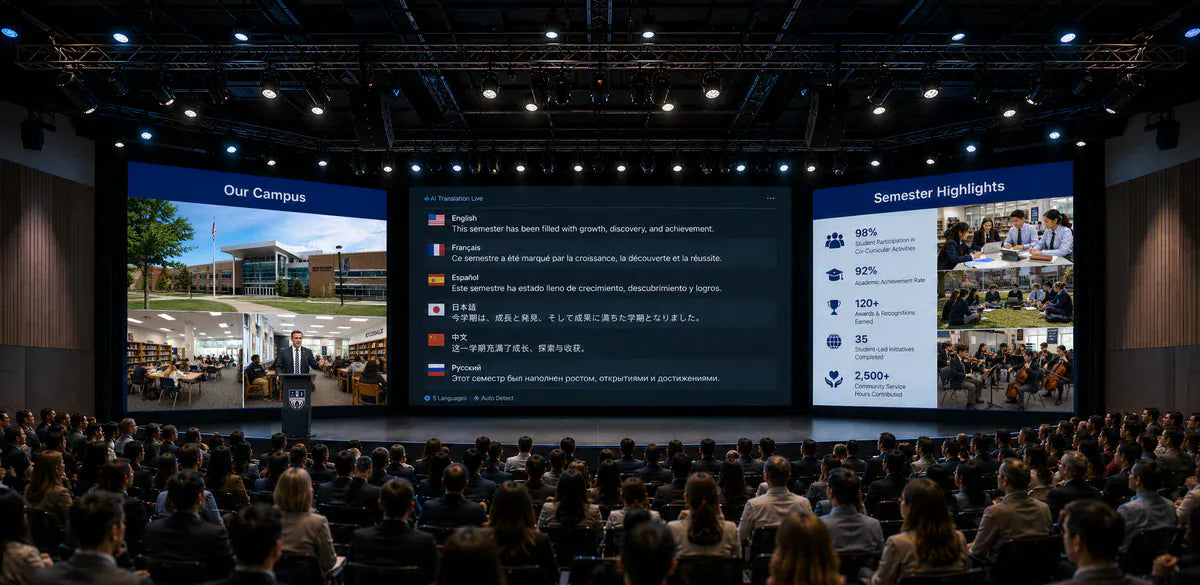
Large event roadshows & training
Translation on screen, listen via phone

Multi-language classrooms, small lectures
Ask questions and get instant translation

One-on-one conversation
Two-way simultaneous interpretation for in-depth communication
Break Language Barriers in Global Business Meetings
Real‑time 5‑language translation for up to 10 speakers. No app, no IT setup – join via QR code from any device. Live subtitles for all‑hands and large events.
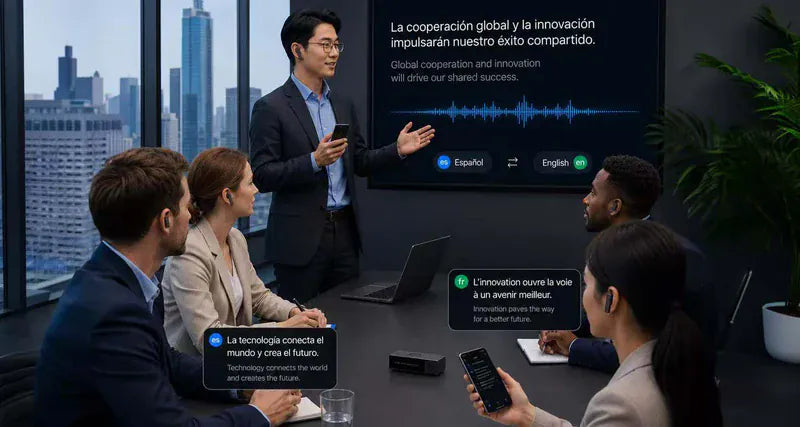
10 people. 5 languages. One seamless conversation.
Enable Seamless Multilingual Collaboration
In a group discussion, up to 10 participants can speak at the same time, each in their own language. X1 Meeting translates 5 languages instantly — everyone hears the conversation in their preferred language. No one waits for a turn. Teamwork flows without interruption.
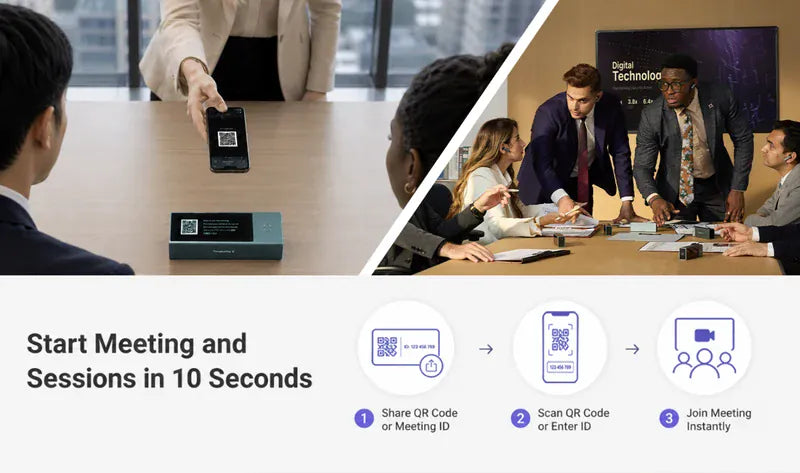
Zero friction. Zero setup. Zero wait.
Launch Meetings in 10 Seconds, No Setup Required
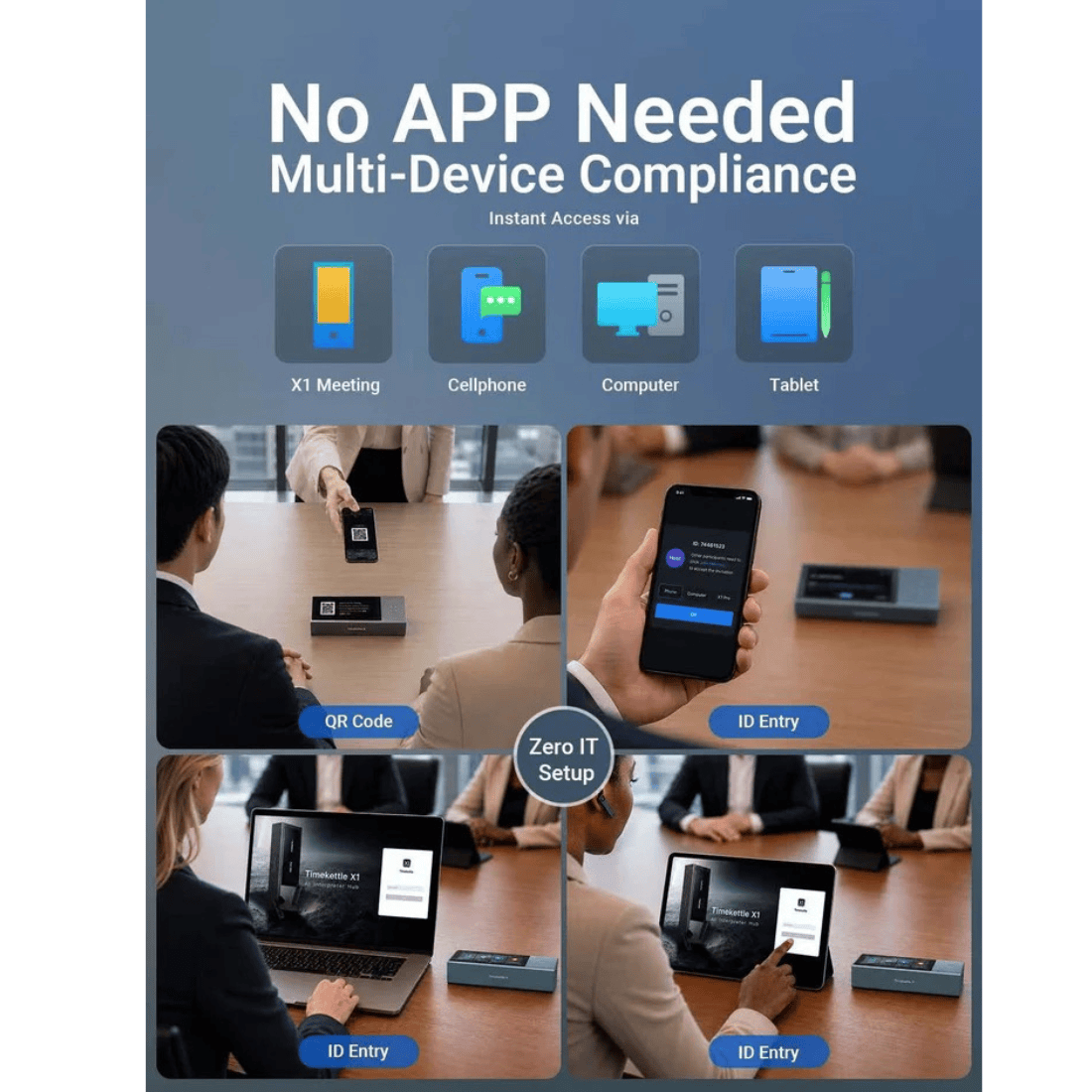
Start a multilingual meeting instantly — just share a QR code or meeting ID. No IT, no app downloads, no account registration. X1 Meeting works right out of the box. Perfect for spontaneous team talks or last-minute client calls.
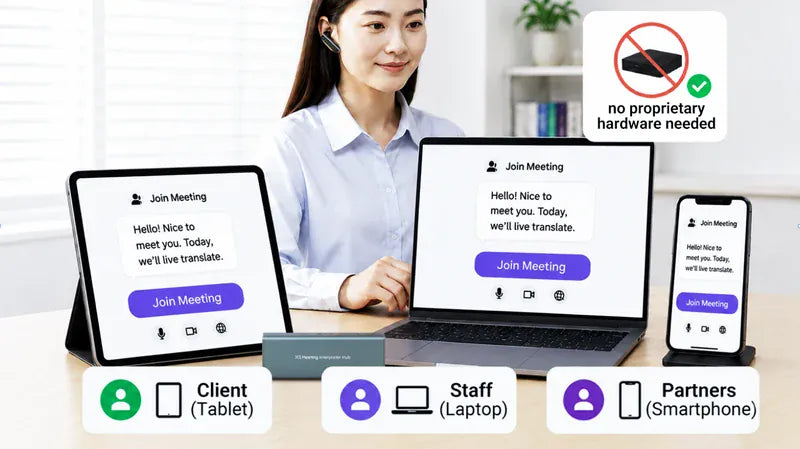
Participants Join via Their Own Devices
Join from Any Device, Anywhere
Participants use their own laptop, tablet, or smartphone — no proprietary hardware needed. Remote employees, clients, and partners simply click a link and get live translation on their preferred device. Work happens where they are.
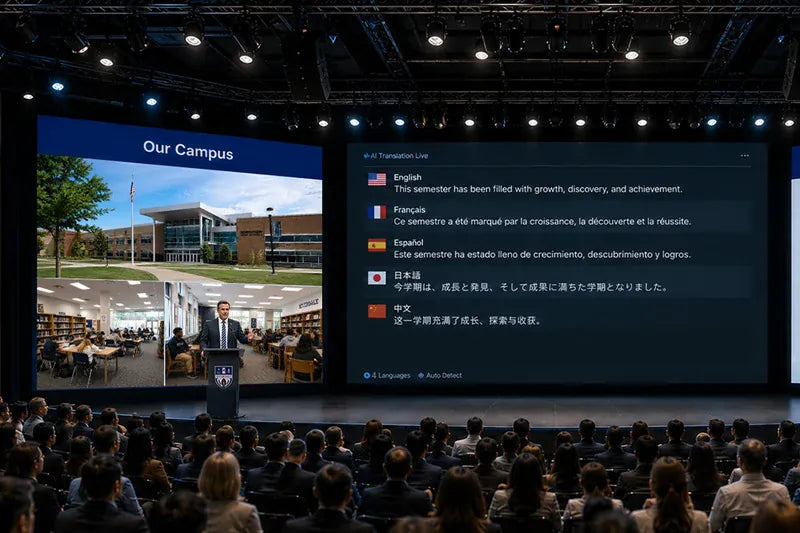
One speaker. Four languages. Every attendee chooses their own.
Live Subtitles for Assemblies
During large events like assemblies, seminars, or parent-teacher meetings, one spoken language is simultaneously translated into 4 languages. Each person chooses their preferred language on their own device — reading live subtitles and listening via personal earphones. Everyone stays informed and included.
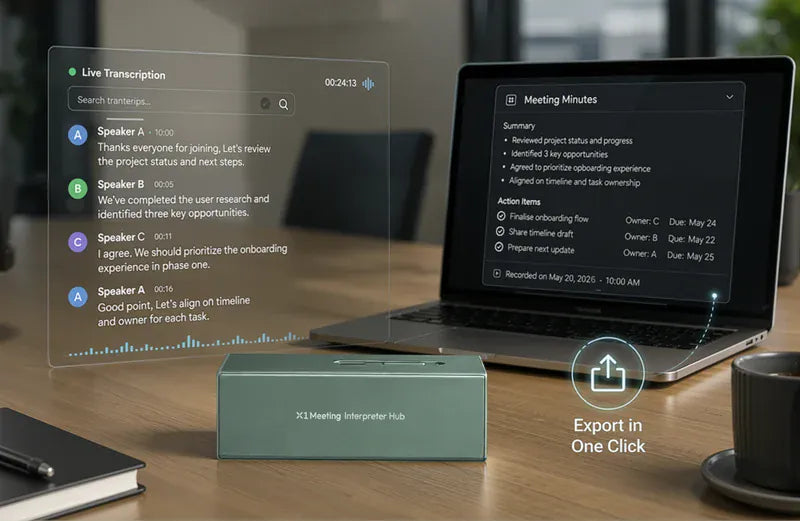
Auto‑transcribed. Speaker‑labeled. Exportable in one click.
Instant Transcripts & Smart Meeting Minutes
Every word is captured live — with speaker identification and automatic transcription. No more frantic note-taking. The X1 Meeting turns conversations into clear, searchable minutes that you can export securely in one click. Focus on the discussion, not the paperwork.
Five Modes for Every Business Communication Need
From one‑on‑one negotiations and cross‑border phone calls to Zoom meetings, listen‑only conferences, and handheld instant translation – one device, all scenarios.
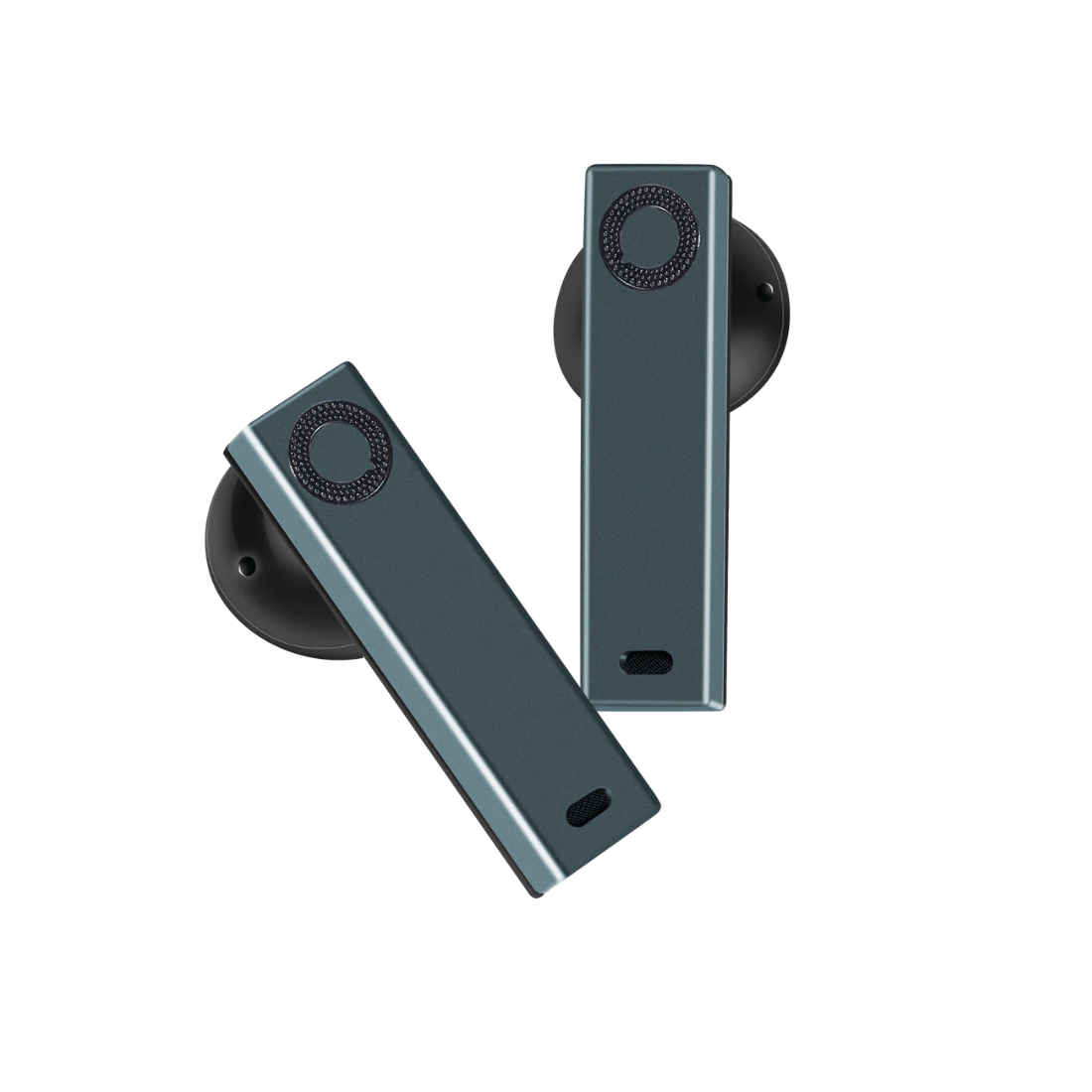
Ideal for manager-client meetings, contract negotiations, or international tutoring. Each participant wears one earbud. X1 Meeting translates both sides instantly — no button pressing, no awkward pauses. Just natural, face-to-face conversation across languages.

Connect X1 Meeting to your phone via Bluetooth. Both parties wear one earbud and experience live, seamless translation – with no third‑party app required. High data privacy is built in. Ideal for overseas collaborators, institutions, or remote teams.

Connect X1 Meeting to your computer via Bluetooth. Join Zoom, Teams, Google Meet, or play a recorded video/streaming lecture. Everyone hears live translation in their earbuds and sees subtitles on screen. Ideal for global meetings, multilingual training, language learning, and remote guest lectures.

Place X1 Meeting on the desk. It streams live translation directly to your earbuds. Perfect for face‑to‑face consultations, private corporate meetings, or quiet executive suites. The session is also recorded automatically for later review.
No earbuds? No problem. Long‑press the home button, talk into X1 Meeting, and it translates out loud. Perfect for quick hallway chats, trade show booth conversations, or casual campus and office exchanges. No pairing. No waiting. Just ask and go.

Powerful Technology, Enterprise Ready
Clear voice pickup, smart AI translation, full compliance, and global speed.
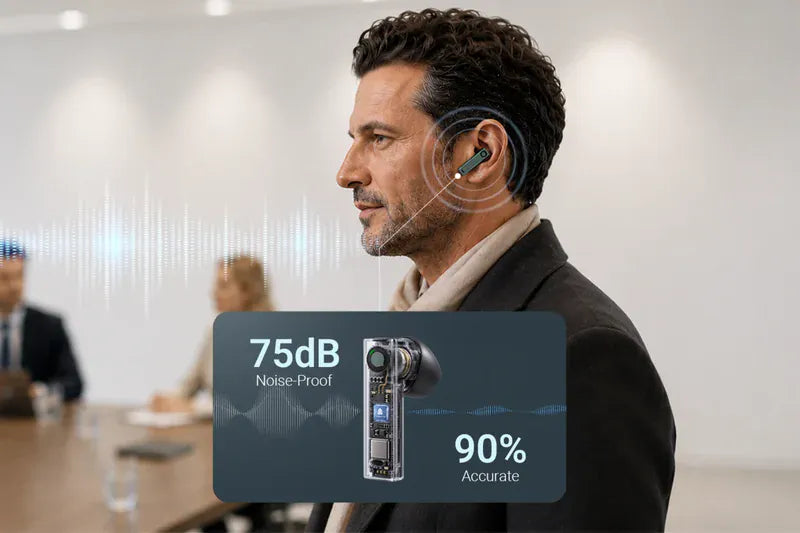
Your voice, isolated. Background noise, ignored.
Bone Conduction – Clear Voice in Any Noise
In bustling open offices, busy trade shows, or noisy classrooms, X1 Meeting uses advanced bone conduction technology to pick up only your voice – not the chaos around you. Delivers 90% accuracy even at 75dB, and 30% improvement over the previous generation at 80dB. Your words always get through.

Natural, accurate translation – even with business jargon.
AI Large Model – Understands Context, Corrects on the Fly
X1 Meeting’s built‑in AI doesn’t just translate words – it understands the flow of conversation. It automatically corrects errors and adapts to specialized terminology, whether you're discussing KPIs, ROI, legal clauses, or academic research. The result? Translations that sound natural, fluent, and precisely on point.
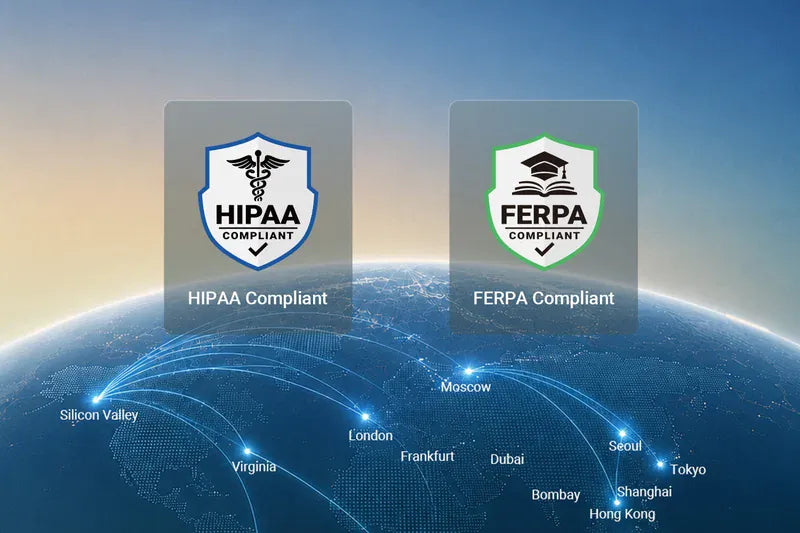
GDPR · CCPA · HIPAA · FERPA – your data is always protected.
Enterprise‑Grade Privacy – Fully Compliant & Encrypted
X1 Meeting meets strict global privacy standards. All translation conversations are end‑to‑end encrypted and never shared. Whether you're an HR manager, legal team, healthcare professional, or educator – use with confidence, knowing sensitive information stays completely private.

Encrypted high-speed translation, no matter where you are.
150+ Global Servers – Fast, Stable, Secure Anywhere
With over 150 local servers worldwide, X1 Meeting creates an encrypted high-speed channel for your translations. Whether you're in a downtown HQ, a remote branch office, a suburban campus, or traveling internationally – expect fast, stable, and secure performance every time.


Bone voiceprint pickup technology refers to the built‑in bone voiceprint sensor inside the earbuds. When the user speaks, the sensor captures vibration signals within the ear canal to accurately determine whether the user is currently speaking. Through Timekettle’s proprietary hybrid algorithm that combines bone voiceprint signals with microphone signals, the earbuds can clearly extract the user’s voice even in extremely noisy environments, separating it from background noise.
(In simple terms, the earphone’s recording channel is activated only while the user is speaking, significantly enhancing noise reduction performance.)
The main differences are:
In short, the X1 Meeting is an all‑in‑one device built for multi‑person, multi‑language, real‑time simultaneous interpretation scenarios. Ordinary translation earphones and mobile apps are better suited for personal, one‑on‑one, basic translation needs.
They are designed for different use cases and complement each other:
X1 Meeting focuses on multi‑person cross‑language collaboration (e.g., group meetings, classrooms, training sessions).
W4/W4 Pro focuses on one‑on‑one, in‑depth conversations (e.g., coffee shop chats, business negotiations).
X1 Meeting – Ideal for scenarios where multiple people need real‑time interpretation simultaneously, such as team meetings, lectures, or workshops.
W4/W4 Pro – Better suited for private, two‑person interactions that require natural, continuous dialogue.
In short, the X1 Meeting is built for group communication, while the W4/W4 Pro excels at personal, face‑to‑face conversations. They work together to cover different cross‑language needs.
The X1 Meeting brings several hardware and software upgrades:
Hardware
Software
No, it's not mandatory. You may wear only one earbud, but you must ensure that this earbud is the device currently selected by the host as the sound source. The host can switch the active recording earphone and check its status on the host screen.
External earbuds are not supported. However, the device does support connecting a wireless lavalier microphone via the Type‑C interface.
Please note: When using the wireless lavalier microphone, the device can only output the user's speech for translation – it cannot play back the translated audio to the user.
No, it does not. Noise reduction relies on the bone conduction chip and algorithm built into the X1 Meeting earbuds. Peripheral devices like mobile phones use omnidirectional microphones, which cannot achieve directional voice pickup. It is recommended to keep the environment quiet while speaking via such devices to avoid interference from others; otherwise, recognition accuracy will decline.
The system supports up to 10 X1 Meeting hosts (serving as speaking endpoints) and 50 peripheral devices (such as mobile phones, tablets, and computers) as receiving endpoints, all online simultaneously.
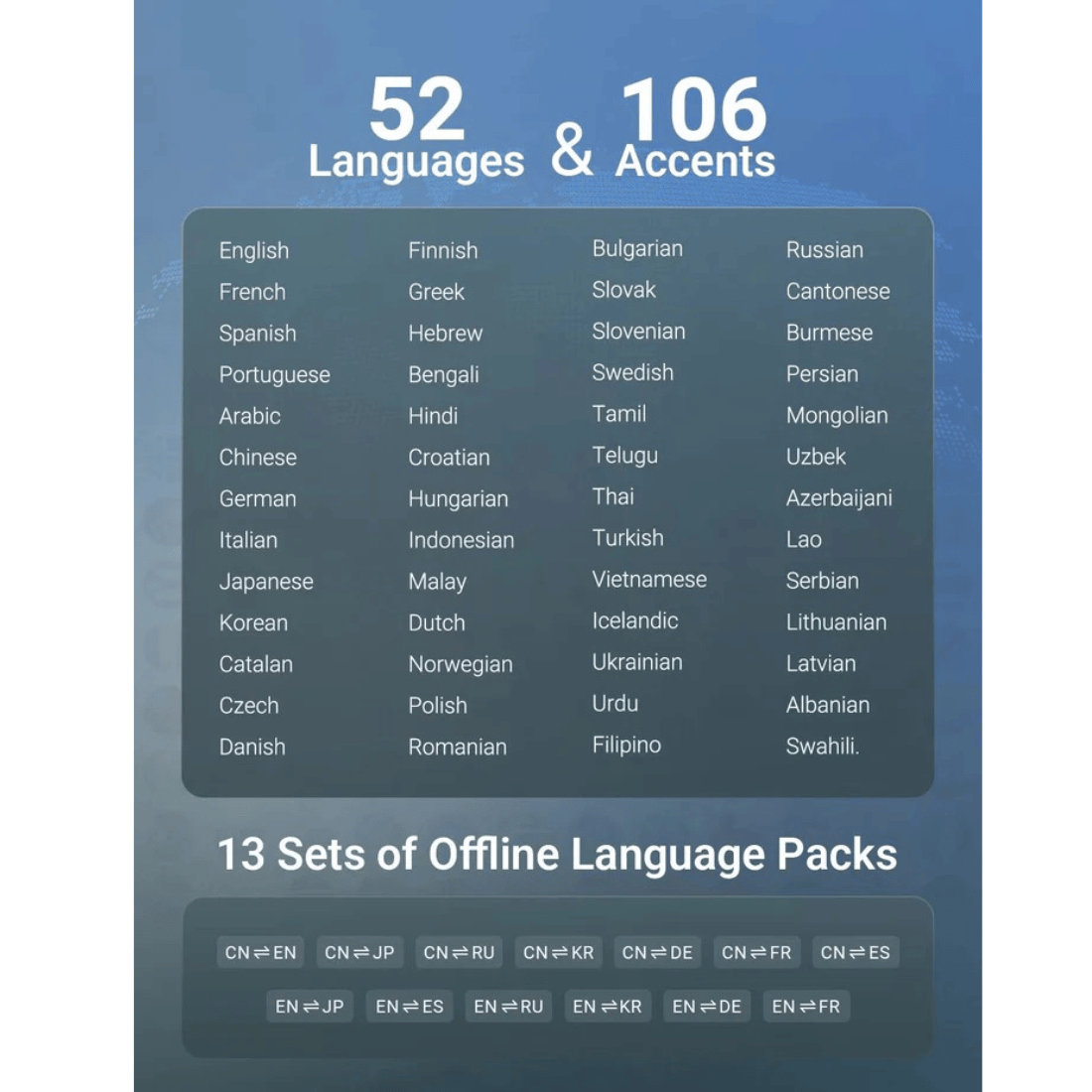
Yes, currently, all modes remain consistent in supported languages, core functions, and setting logic. In the future, the number of supported languages will continue to increase and be updated.
Offline translation accuracy is lower than that of the New T1 model. Since the X1 Meeting is primarily designed for Wi‑Fi‑enabled scenarios such as meeting rooms, online translation is strongly recommended. Additionally, creating a meeting room itself requires an internet connection.
Charging method: Both the main unit and the earphone charging case are charged via the included USB‑C cable (standard USB‑C port).
Please try the following steps:
No, the X1 Meeting can be used under normal mobile networks or public Wi‑Fi without geographic restrictions. However, some enterprise or school intranets have firewalls installed. In such cases, you may need to add the X1 Meeting server domain name or IP address to the allowlist to use it normally.
The X1 Meeting has an operating temperature range of 0°C to 40°C (32°F to 104°F). Within this range, the device operates stably. Using it in temperatures below 0°C is not recommended and may affect performance or battery life.
Yes, data security is a top priority for the X1 Meeting. The device employs multiple layers of protection:
Regarding cloud uploads: While translation requires an internet connection and the system utilizes the UniSmart translation cloud for processing and regular vocabulary updates, translation data is stored locally only, without backing up to servers. This ensures full control over your information and protects business confidentiality.
For the complete privacy policy, please refer to the official Timekettle documentation.
Here’s how to handle exporting history and related issues:
Once the proper MTP client is installed, you can browse the X1 Meeting’s internal storage and locate the exported history files normally.

Great service! Incredibly quick delivery. Even when it went over the 48hour delivery time I contacted them and they organised a private driver to deliver to my new address before leaving the country. Really happy with the product also.
I bought my item online from Metapod Singapore and had several questions. Thankfully, Joel was there to assist me. His service and attitude were outstanding, and I received my item exactly as expected. A big thank you to Joel and Metapod Singapore.
Ordered Sony WH1000XM5 silver for same day delivery, black color was delivered instead. Manage to contact METAPOD and they immediately get someone to exchange the color to silver on the same day! Within a few hours after I contacted them. Really very impressed with their excellent customer service and fast respond time! Will definitely buy from METAPOD again!!
Excellent service. Fast response. They have been so accommodating in the requests I have made. Will definitely shop again here. Highly recommended when in T3.
Bought a Sony headset in Jan - really efficient next day service well packaged and instructions followed as I was a tourist on a short stay